How to Pay With PayPal in Kenya (2026): Does PayPal Work, Linking a Card, M-Pesa Top-up and Paying Online
PayPal is one of the easiest ways to pay websites and people abroad, and it also works on Kenyan sites that accept international cards. You can pay with money in your PayPal balance, with a linked Visa or Mastercard, or, through Safaricom’s M-Pesa PayPal service, with money moved from M-Pesa.
Quick answer: Yes, PayPal works in Kenya. To pay with PayPal: (1) open a free personal account at paypal.com with your email and Kenyan phone number; (2) confirm your email and link a Visa or Mastercard debit/credit card (or top up your balance from M-Pesa through the M-Pesa PayPal service); (3) at checkout choose PayPal, log in and approve the payment. On Buy More Mall, pick Card or PayPal at checkout: you can log in to PayPal or simply pay with your card. The amount is charged in US dollars.
How to Open and Verify a PayPal Account in Kenya
- Go to paypal.com and choose a Personal account (for buying) or a Business account (for receiving payments as a business).
- Enter your email, a strong password, your name as on your ID and your Kenyan mobile number.
- Confirm your email address from the message PayPal sends.
- Link a card: add your Visa or Mastercard. PayPal may place a small temporary charge to confirm the card is yours.
- Turn on two-step verification in security settings.
How to Use PayPal in Kenya via M-Pesa
Safaricom runs an M-Pesa PayPal service that links your PayPal account to your M-Pesa line. Once linked, you can top up your PayPal balance from M-Pesa (useful if you have no card) and withdraw PayPal money to M-Pesa. Find it in the M-Pesa app or on Safaricom’s M-Pesa PayPal page; follow the linking steps there and use the same email as your PayPal account. Exchange rates and charges apply and are shown before you confirm, so check them each time.
How to Pay Online With PayPal (Safely)
- At checkout, choose PayPal (or "Card or PayPal").
- You are taken to PayPal’s own page. Check the address bar shows paypal.com before you log in.
- Choose how to pay: balance or linked card. Or pay as a guest with your card without logging in, where offered.
- Confirm the amount and currency, then approve.
- You return to the shop’s page; keep the PayPal receipt email.
Safety: never send PayPal "friends and family" payments to strangers for goods, never share your login code, and ignore emails asking you to "unlock" your account through a link. Open PayPal yourself instead.
How to Pay With Card or PayPal on Buy More Mall
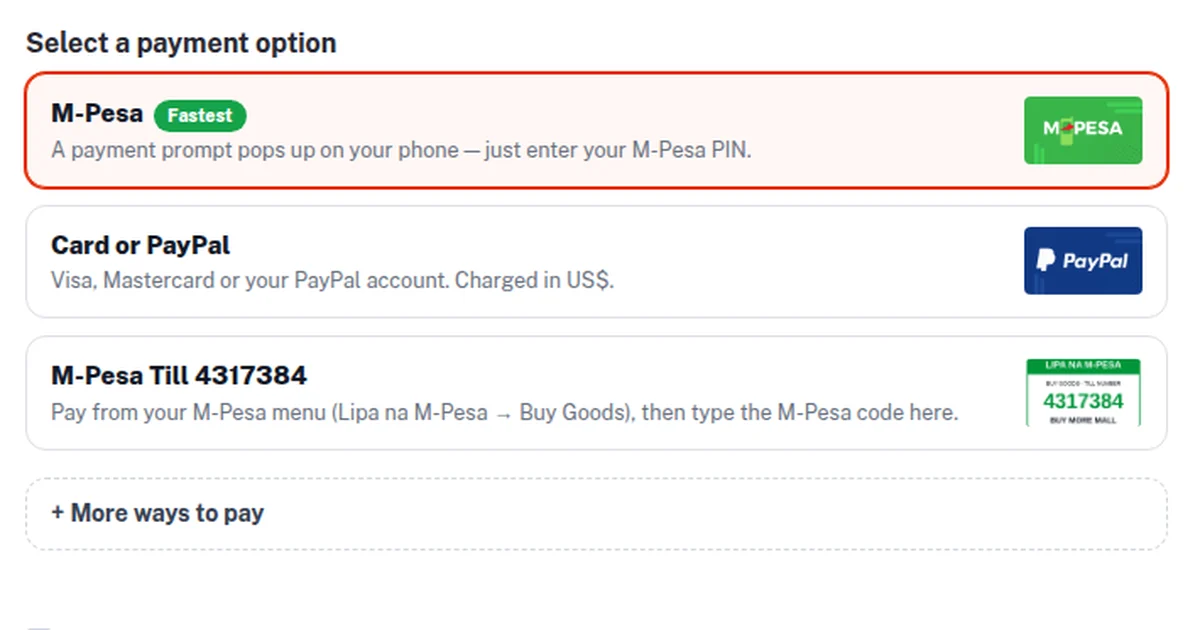
At checkout, step 3 asks how you would like to pay. Choose Card or PayPal and tap Place order. PayPal’s secure page opens with the card form first, so you can type your Visa or Mastercard details without a PayPal account, or log in to PayPal. Your order is confirmed only after PayPal confirms the payment.
| Payment option | Best for |
|---|---|
| M-Pesa (prompt on your phone) | Most buyers in Kenya: fastest, in shillings |
| Card or PayPal | Buyers with a Visa/Mastercard or PayPal balance, including Kenyans abroad |
| M-Pesa Till (Buy Goods) | Paying from the M-Pesa menu and entering the code |
Why Is the Amount in US Dollars?
PayPal does not process payments in Kenyan shillings, so the shop total is converted to US dollars at the site’s exchange rate and shown to you before you pay. Your bank converts it back to shillings on your statement and may add its own foreign-transaction fee, so the shilling figure on your statement can differ slightly. If you want to pay the exact shilling amount, choose M-Pesa.
Common Mistakes to Avoid
- Opening the account in a nickname that does not match your ID or card.
- Clicking login links in emails or SMS instead of opening PayPal yourself.
- Paying sellers you met on social media through "friends and family".
- Ignoring the currency and bank fees on international card payments.
- Leaving two-step verification off.
Frequently Asked Questions
Does PayPal work in Kenya?
Yes. Kenyans can open PayPal accounts, pay online with a linked card or balance, and move money between PayPal and M-Pesa through the M-Pesa PayPal service.
Can I use PayPal without a card in Kenya?
Yes, by topping up your PayPal balance from M-Pesa through the M-Pesa PayPal service, where available to you.
How do I withdraw money from PayPal to M-Pesa?
Link your PayPal and M-Pesa through the M-Pesa PayPal service, then choose withdraw and confirm the amount and rate shown.
Can I pay on Buy More Mall with my Visa card?
Yes. Choose Card or PayPal at checkout; the PayPal page opens with the card form, so you do not need a PayPal account.
Why was I charged a different shilling amount?
Card and PayPal payments are in US dollars; your bank converts them and may add a fee. M-Pesa payments are in shillings.
Is PayPal safe for online shopping?
PayPal keeps your card details away from the shop and offers buyer protection on eligible purchases, but always check you are on paypal.com before logging in.
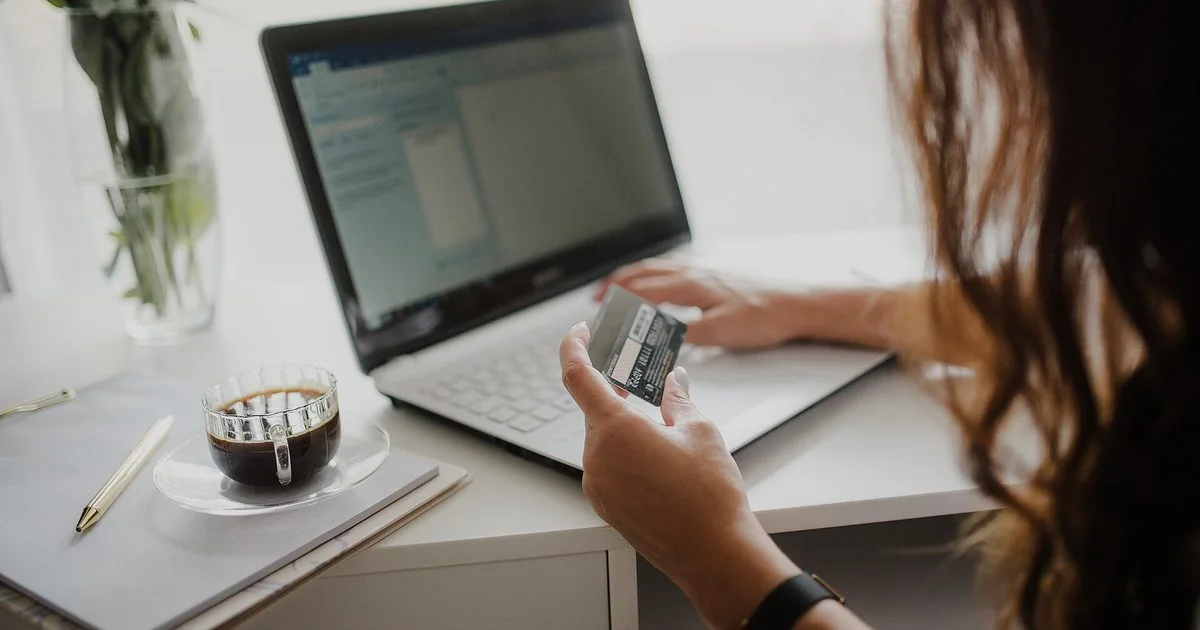
Cover photo: Close-up of a woman looking at a credit card while working on her laptop.jpg by Shixart1985, CC BY 2.0, via Wikimedia Commons. Cropped.
Related Guides
Recent Posts
How to Sign a Document Online in Kenya (2026): Free E-Signature, PDF on Phone or Laptop, and Is It Legal?
How to Start a Parcel Pickup Point Business in Kenya (2026): Requirements, Earnings per Parcel and How to Apply
How to Pay With PayPal in Kenya (2026): Does PayPal Work, Linking a Card, M-Pesa Top-up and Paying Online
How to Accept Card Payments in Kenya (2026): Card Machines, Online Card Checkout and PayPal for Small Businesses
Purchase Order (LPO) Format in Kenya (2026): Sample, What to Include and How to Raise One
Delivery Note Format in Kenya (2026): Sample, Template, What to Include and Proof of Delivery
Credit Note vs Debit Note in Kenya (2026): Meaning, Examples, When to Issue Each and eTIMS
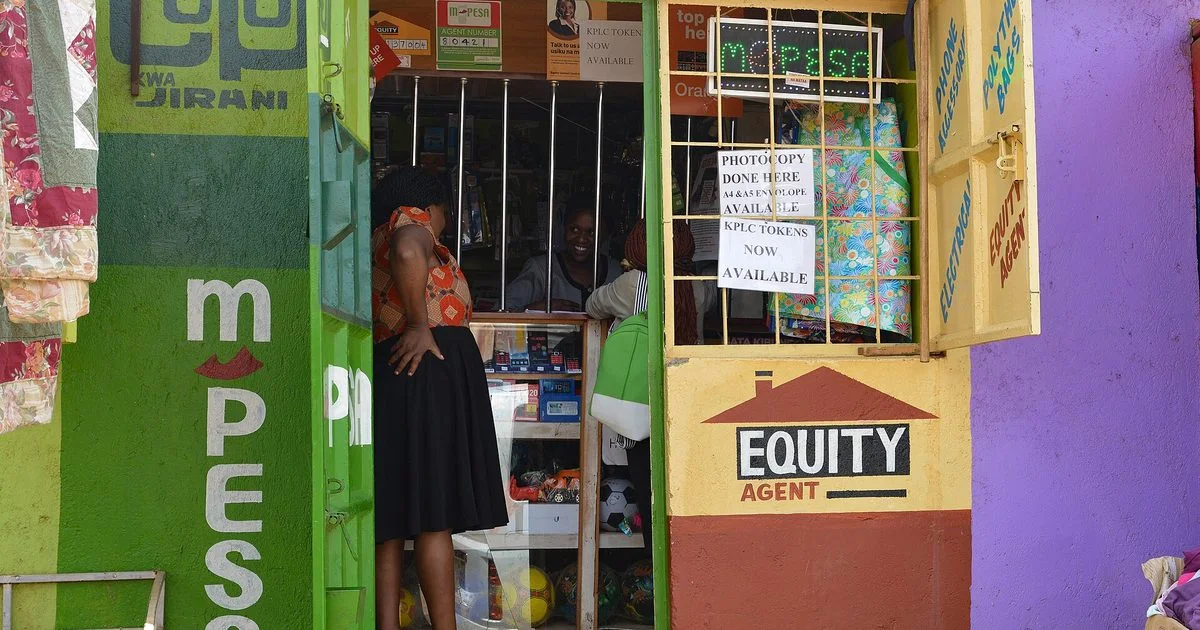
How to Get an M-Pesa Statement for Business and Reconcile It With Your Sales (2026 Guide)
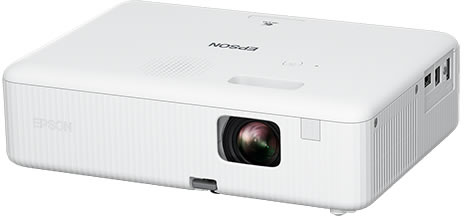
Projector Price in Kenya (2026): Home, Office and School Projectors, Lumens, Screen Size and How to Connect
 buymoremall
Kenya's Online Marketplace
Buy More Mall Kenya gives you a direct link to manufacturers, suppliers and service providers. Sellers are verified, there are no shortcuts, and customised orders come at affordable rates.
- Buy direct from manufacturers & suppliers
- Verified sellers and service providers
- Pay securely with M-Pesa
Shop
Sell & Earn
Help
Contact Us
- 0717 263 774
- Chat on WhatsApp
- buymoremallkenya@gmail.com
- Eastern bypass Ruiru Near Naivas super market @ kamakis & Nanyuki Neema Academy
- Contact page