How to Sign a Document Online in Kenya (2026): Free E-Signature, PDF on Phone or Laptop, and Is It Legal?
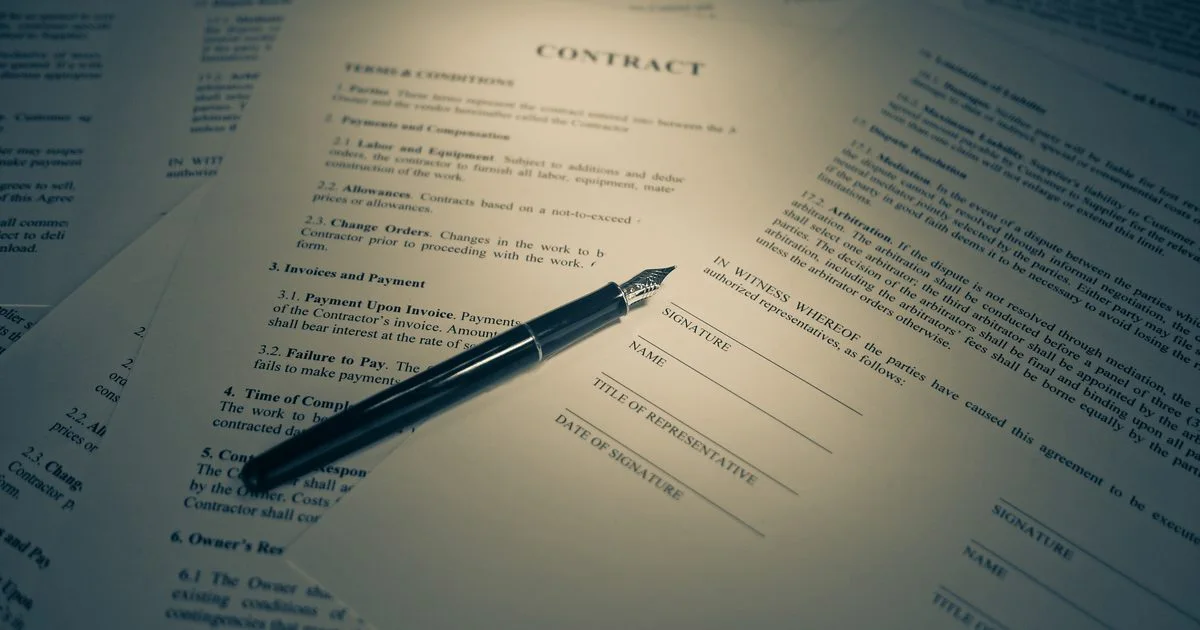
Printing a document, signing it, scanning it and emailing it back wastes a day and a trip to the cyber. Today most agreements, quotes, delivery notes and forms can be signed online in two minutes, on the phone you already have, with a record that shows who signed, when and from where.
Quick answer: To sign a document online: (1) open the PDF in a signing tool; (2) draw your signature with your finger or mouse, or type your name; (3) drag the signature onto the signature line and add the date; (4) save and send the signed PDF back. To have other people sign, upload the PDF to an e-signature service, mark where each person signs and send them a personal link. On Buy More Mall, sellers do this with Sign documents (BMM Sign): every signed file gets a certificate with times, IP addresses and a verification QR code.
How to Sign a Document Online for Free (Step by Step)
- Save the document as a PDF (in Word: File → Save As → PDF; on a phone: Share → Print → Save as PDF).
- Open it in a signing tool. Many PDF readers have a "Fill & Sign" option; BMM Sign works in any phone browser without installing anything.
- Create your signature: draw it with your finger, or type your full name and pick a handwriting style.
- Place it on the signature line. Add the date and initials where the document asks for them.
- Tick any boxes the form needs (for example "No" for a third-party question).
- Save the signed copy and send it back as a PDF, not a photo.
How to Sign a Document Online on Your Phone
Open the signing link or the PDF in your browser, zoom in on the signature box and draw slowly with your finger; turning the phone sideways gives you more room. Clear and redraw until it looks like your usual signature. When you finish, download the signed copy or share it straight to WhatsApp or email.
Electronic Signature vs Digital Signature
| Electronic signature | Digital (advanced) signature | |
|---|---|---|
| What it is | Any electronic mark that shows you agree: a drawn or typed signature, a tick box, a signing link | An electronic signature backed by a certificate from a licensed certification service provider |
| How identity is shown | Email or code checks, IP address, time stamps, audit trail | Cryptographic certificate tied to the signer |
| Typical uses | Quotes, invoices, delivery notes, service agreements, HR forms, supplier terms | Documents where the law or the other party asks for an advanced signature |
| Cost | Free to low cost | Paid certificate |
Is an Electronic Signature Legal in Kenya?
Kenyan law recognises electronic signatures. The Kenya Information and Communications Act provides for electronic records and signatures, and the Business Laws (Amendment) Act, 2020 updated several laws so that more documents can be signed electronically. For everyday business paperwork such as quotations, purchase orders, delivery notes and service agreements, an e-signature with a good audit trail is widely accepted.
Some documents have special rules, for example wills, some land and court documents, or anything the other party insists must be signed in ink or with an advanced digital signature. If you are not sure, ask the organisation receiving the document or a lawyer before you rely on an e-signature.
What makes an e-signature strong: proof of who signed (email code, phone, ID), when (time stamps), what they saw (the exact file) and that the file has not been changed afterwards (a fingerprint such as SHA-256). BMM Sign records all four on a certificate page.
How to Get Others to Sign a Document Online (BMM Sign)
Buy More Mall sellers on the Simba package and above have Sign documents inside My Business:
- Upload the PDF and give it a title.
- Add the signers by name, email and phone. Add yourself too if you also sign.
- Click on the page where each person signs: signature, date, initials or a tick box.
- Send. Each signer gets a personal link by email, or you share it on WhatsApp. They can be asked for an email code before signing.
- Watch the audit trail: opened, signed or declined, with time and IP address.
- When everyone has signed, download the sealed PDF with its signature certificate, or only the pages you need (for example just the signed page to upload elsewhere), and share it by WhatsApp or email.
Anyone can check a signed copy on the verification page by scanning the QR code: if even one character changes, the fingerprint no longer matches. Delivery riders can also collect a customer's signature in person on proof-of-delivery notes.
Worked Example: A Supplier Agreement Signed in One Afternoon
A Nanyuki hardware shop needs a signed supply agreement from a cement distributor in Nakuru. Instead of couriering paper, the owner uploads the PDF, marks the signature and date boxes for both sides and sends the link on WhatsApp. The distributor signs on his phone at 2:10 pm, the owner signs at 2:25 pm, and both download the same sealed PDF with a certificate showing both signatures, times and devices.
Common Mistakes to Avoid
- Pasting a photo of your signature into Word and calling it signed: anyone can copy it, and there is no record of who did it.
- Signing a document without reading every page because "it is only online".
- Sending a signed photo or screenshot instead of the PDF.
- Using an e-signature where the law or the receiver requires ink or an advanced signature.
- Not keeping the final signed copy and its certificate.
Frequently Asked Questions
How do I sign a document online and send it back?
Open the PDF in a signing tool, draw or type your signature on the line, save it and send the signed PDF back by email or WhatsApp.
How can I sign a PDF on my phone for free?
Use a PDF reader with a Fill & Sign option, or open the signing link you were sent in your phone browser and draw your signature with your finger.
Is an electronic signature legally binding in Kenya?
Yes, Kenyan law recognises electronic signatures for most commercial documents. Some documents have special formal rules, so check with the receiver or a lawyer when in doubt.
What is the difference between an electronic and a digital signature?
An electronic signature is any electronic sign of agreement; a digital (advanced) signature adds a certificate from a licensed provider that cryptographically ties it to the signer.
How do I sign a Word document electronically?
Save it as a PDF first, then sign the PDF. This keeps the layout fixed and stops later edits.
Can a signed document be changed after signing?
It can be edited, but a good e-signature service seals the file with a fingerprint, so any change is detected on the verification page.
Cover photo: Legal Contract & Signature - Warm Tones.jpg by Blogtrepreneur, BY 2.0, via Wikimedia Commons. Cropped.
Related Guides
Recent Posts
How to Sign a Document Online in Kenya (2026): Free E-Signature, PDF on Phone or Laptop, and Is It Legal?
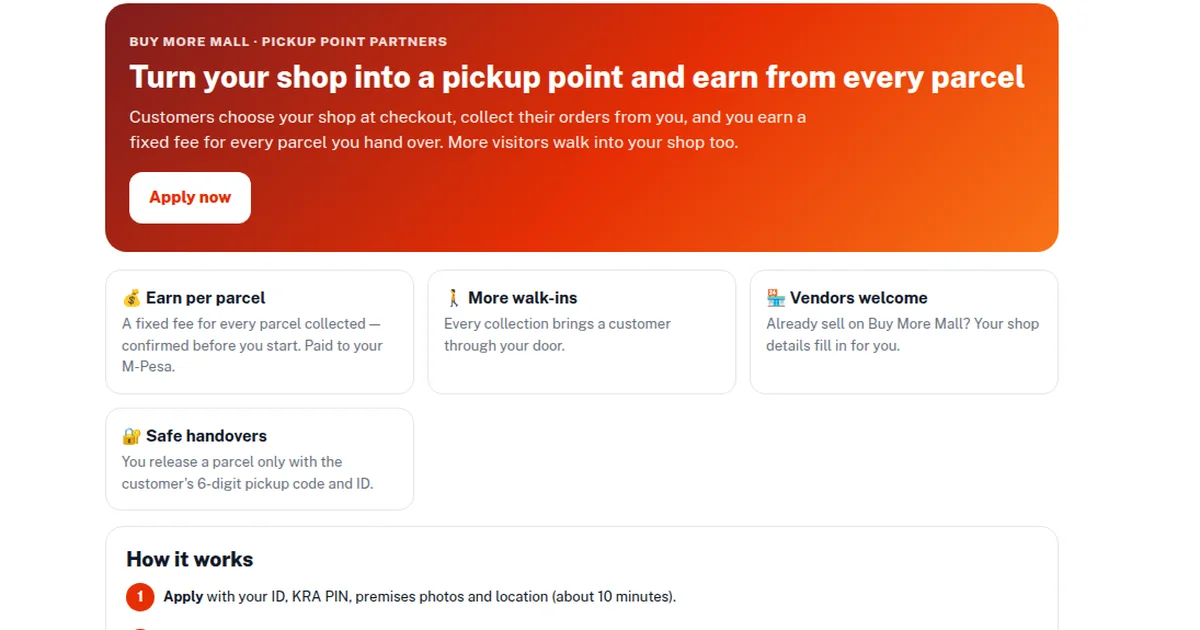
How to Start a Parcel Pickup Point Business in Kenya (2026): Requirements, Earnings per Parcel and How to Apply
How to Pay With PayPal in Kenya (2026): Does PayPal Work, Linking a Card, M-Pesa Top-up and Paying Online
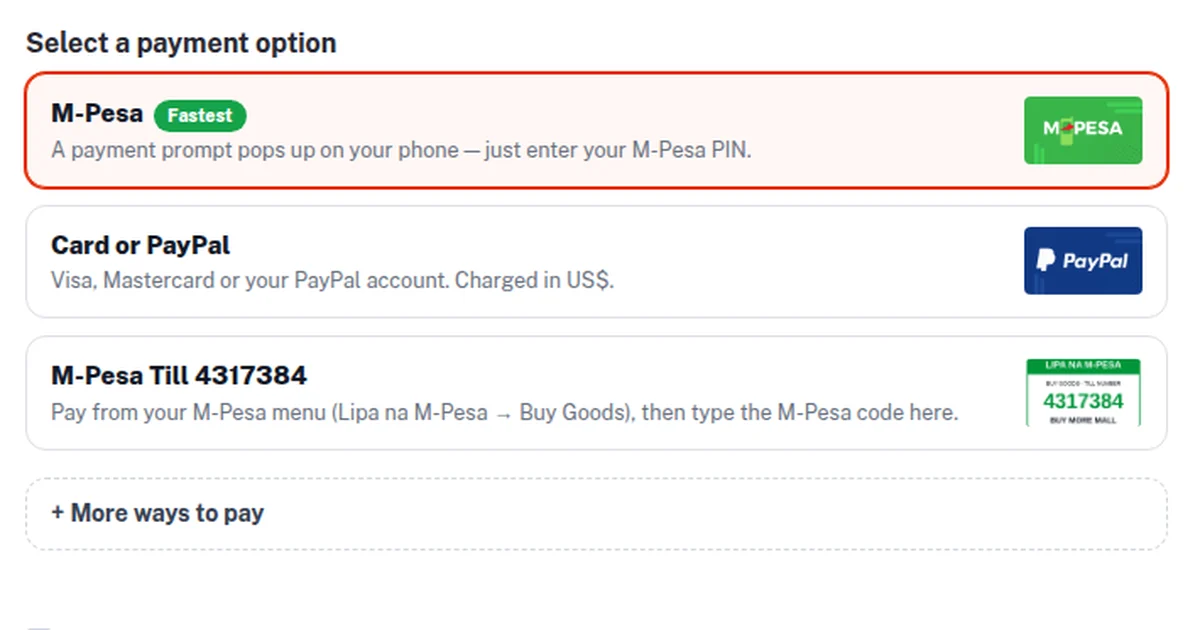
How to Accept Card Payments in Kenya (2026): Card Machines, Online Card Checkout and PayPal for Small Businesses
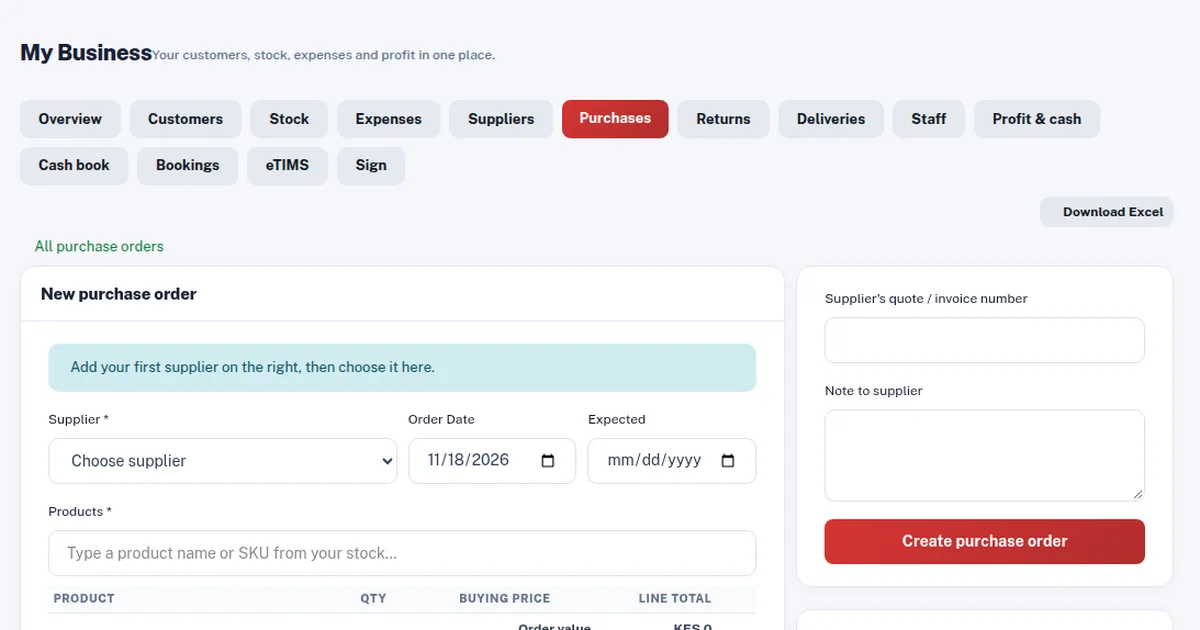
Purchase Order (LPO) Format in Kenya (2026): Sample, What to Include and How to Raise One
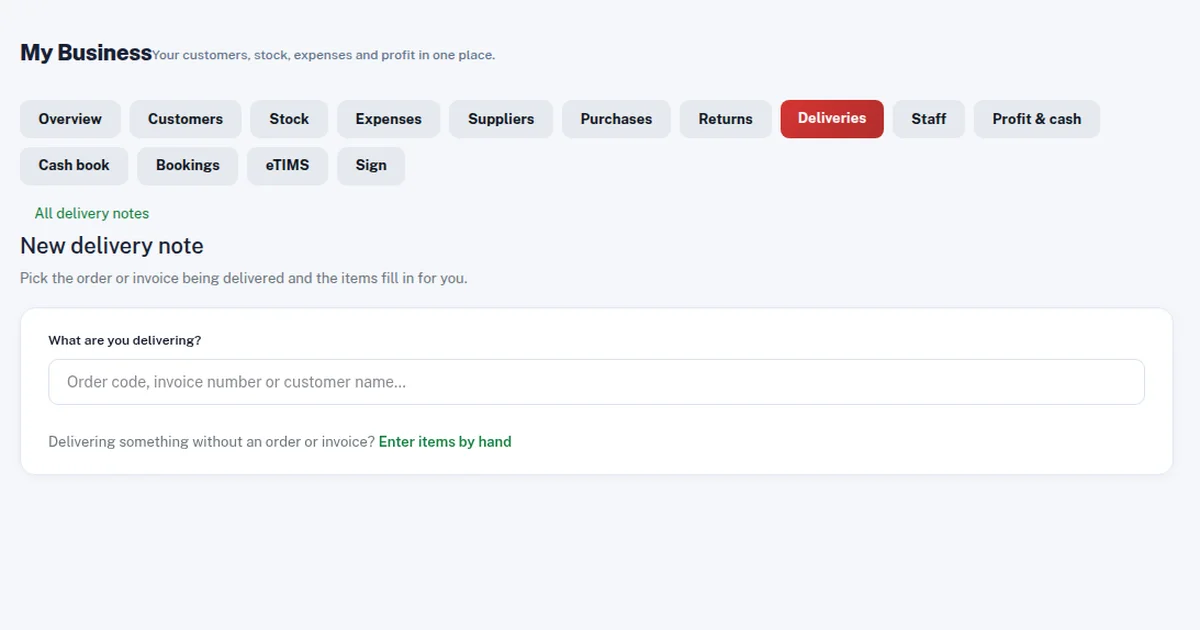
Delivery Note Format in Kenya (2026): Sample, Template, What to Include and Proof of Delivery
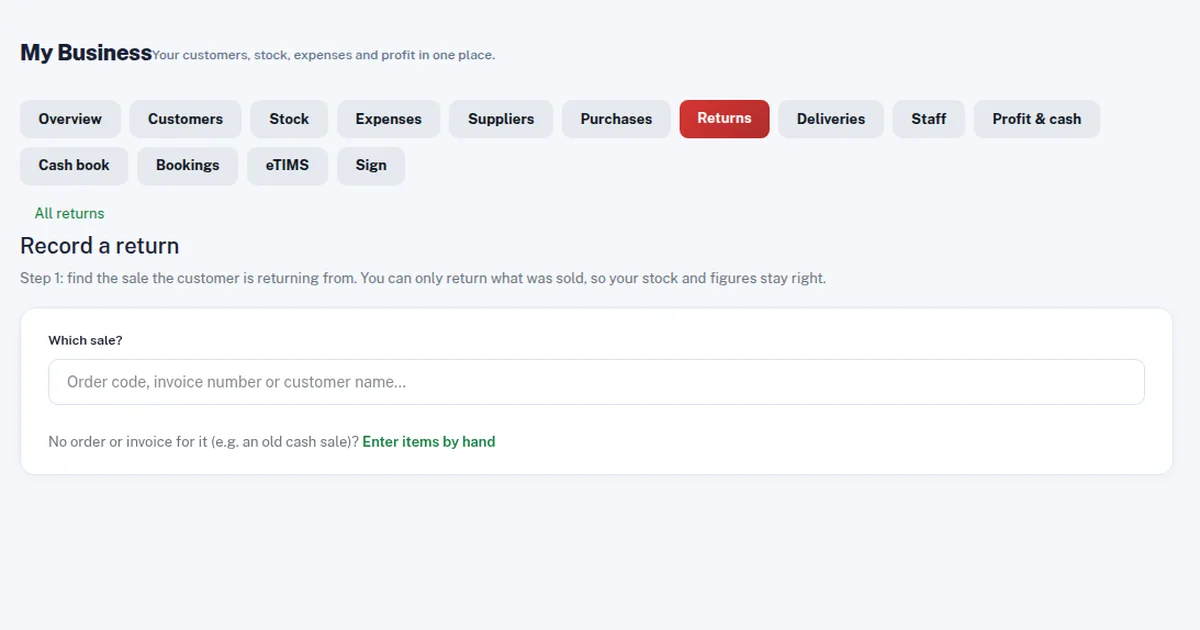
Credit Note vs Debit Note in Kenya (2026): Meaning, Examples, When to Issue Each and eTIMS
How to Get an M-Pesa Statement for Business and Reconcile It With Your Sales (2026 Guide)
Projector Price in Kenya (2026): Home, Office and School Projectors, Lumens, Screen Size and How to Connect
 buymoremall
Kenya's Online Marketplace
Buy More Mall Kenya gives you a direct link to manufacturers, suppliers and service providers. Sellers are verified, there are no shortcuts, and customised orders come at affordable rates.
- Buy direct from manufacturers & suppliers
- Verified sellers and service providers
- Pay securely with M-Pesa
Shop
Sell & Earn
Help
Contact Us
- 0717 263 774
- Chat on WhatsApp
- buymoremallkenya@gmail.com
- Eastern bypass Ruiru Near Naivas super market @ kamakis & Nanyuki Neema Academy
- Contact page