How to Avoid Online Shopping Scams in Kenya (2026): 12 Warning Signs and What to Do
Most people who shop online in Kenya have seen a scam: a phone at half price on social media, a "seller" who wants a deposit before showing the item, an SMS claiming you sent money by mistake. Scammers rely on hurry and excitement. Slow down, check a few things, and pay the safe way.
Quick answer: Buy from sellers you can verify (a real shop, a physical address, reviews, an order system), never pay a deposit to a personal number for an item you have not seen from a seller you cannot verify, be suspicious of prices far below the market, check money in your M-Pesa balance, not an SMS, never share your M-Pesa PIN or one-time codes, and ignore "send the money back" or "pay the delivery fee to release your parcel" messages. If you are scammed, contact Safaricom and report to the police immediately.
Common Online Shopping Scams in Kenya
| Scam | How it works | How to avoid it |
|---|---|---|
| Fake seller on social media | Attractive photos copied from elsewhere, very low price, "pay deposit first" | Ask for a live video of the item; buy through a shop with checkout, address and returns |
| Fake M-Pesa SMS | A message that looks like M-Pesa says you received money; the "buyer" asks for the goods | Check your actual M-Pesa balance or statement before releasing goods |
| "Wrong transfer" trick | A message says money was sent to you by mistake; then a call begs you to send it back | Check your balance; if the money is not there, ignore; if unsure, call the official Safaricom line |
| Fake delivery or customs fee | A "courier" says your parcel is held until you pay a fee | Only pay delivery through the shop you ordered from; confirm with them directly |
| Phishing links | A link to a fake shop or fake login page steals your details | Type the shop's address yourself; check the spelling |
| Overpayment scam (against sellers) | A "buyer" pays too much and asks you to refund the difference | Wait until the money actually shows in your account before refunding anything |
12 Warning Signs of a Scam
- The price is far below what everyone else charges.
- The seller insists on a deposit to a personal number before you see the item.
- They refuse a video call or a visit to the shop.
- They push you to pay "now, because many people want it".
- The account is new, has few posts or comments are turned off.
- Photos look like they were taken from another website.
- No physical address, or the address cannot be found.
- The payment name does not match the business name.
- They ask for your M-Pesa PIN, a one-time code or your ID photo.
- Delivery fees appear after you have paid.
- Messages are full of urgency, threats or prizes.
- They switch you from a platform to a private chat to avoid its protections.
How to Pay Safely Online
- Pay through the shop's checkout where possible, so your order and payment are recorded together.
- Check that the till or paybill name shown on your phone before you enter your PIN matches the business.
- For expensive items, pay on collection or after inspecting where the seller allows it.
- Keep screenshots of the item, the price, chats and the M-Pesa confirmation.
- Never send money to "release" a prize, a parcel or a refund.
Shopping Safely on Buy More Mall
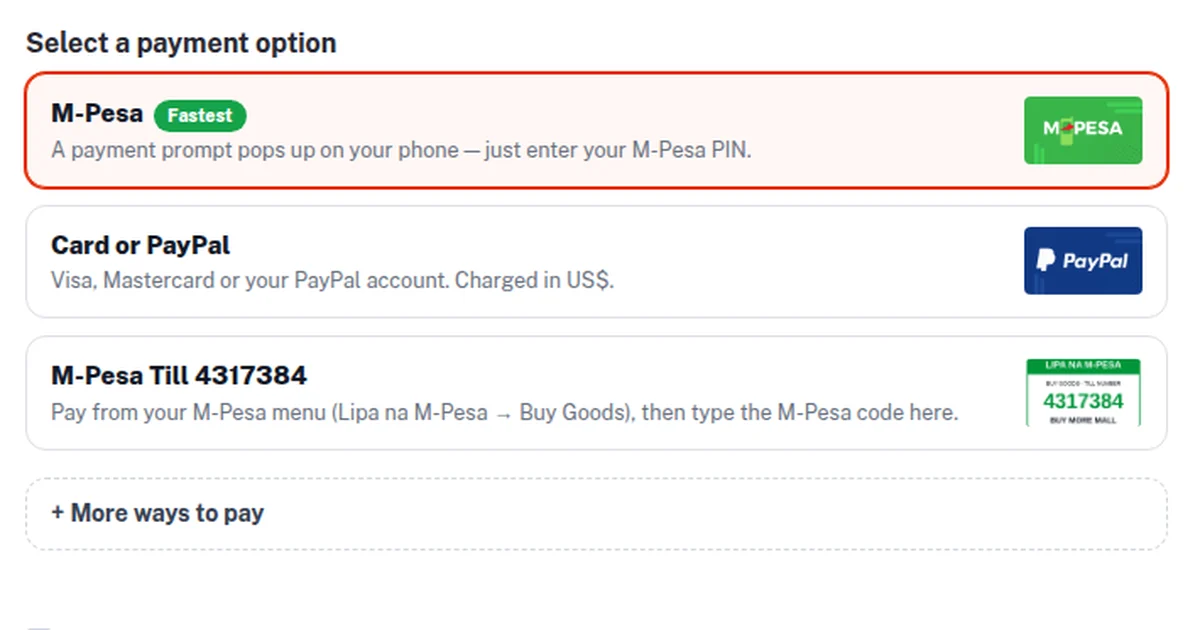
On Buy More Mall, pay through the website checkout (M-Pesa STK push to your phone or card). If you are asked to pay manually, the only manual payment till is M-Pesa Buy Goods Till 4317384 (BUY MORE MALL); your phone shows the name before you enter your PIN. Every order has an order code, and the Return & Refund Policy covers items that arrive damaged, wrong or not as described. If someone claims to be Buy More Mall and asks for payment anywhere else, stop and confirm on WhatsApp +254 717 263 774.
For Sellers: Protect Yourself From Fake Buyers
- Never release goods based on an SMS; confirm the money in your M-Pesa balance or till statement.
- Watch for "I have sent extra, please refund the difference" requests.
- For cash on delivery, ask for the delivery fee upfront.
- Do not share one-time codes, even with someone claiming to be from your bank, Safaricom or a marketplace.
- Use proper invoices and order records (see how to make an invoice).
What to Do If You Have Been Scammed
- Act fast. Call Safaricom customer care straight away about an M-Pesa payment you made to a scammer; quick reports give the best chance of stopping the money.
- Forward fraud SMS messages to Safaricom's free fraud reporting number (333).
- Report to the nearest police station or the Directorate of Criminal Investigations (DCI), with screenshots, numbers and transaction codes.
- Report the account to the platform where you met the seller.
- If you shared a PIN or password, change it immediately and tell your bank.
Worked Example: A Phone That Never Came
Wanjiru saw an "ex-UK" phone on social media for a third of the usual price. The seller asked for a KSh 5,000 deposit to "reserve" it, then another KSh 3,000 for "delivery clearance". She paid both, and the account disappeared. Warning signs she now checks: a price far below the market, deposits to a personal number, no video of the item, and new fees after payment. Her next phone came from a shop with a checkout, an order code and a returns policy.
Frequently Asked Questions
How can I avoid online shopping scams in Kenya?
Buy from verifiable shops, avoid deposits to personal numbers, be wary of very low prices, check your M-Pesa balance instead of trusting SMS, and never share your PIN or codes.
How do I know if an online seller is real?
Look for a physical address, a working order and returns system, a history of reviews and a payment name that matches the business. Ask for a live video of the item.
What do I do if I sent money to a scammer by M-Pesa?
Call Safaricom immediately, keep the transaction code, and report to the police or DCI with screenshots.
How do I spot a fake M-Pesa message?
Check your real balance or statement. A message is fake if the money is not there, and genuine M-Pesa messages come from M-PESA, not an ordinary phone number.
Is it safe to pay a deposit before delivery?
Only with a seller you can verify, preferably through a checkout that records the order.
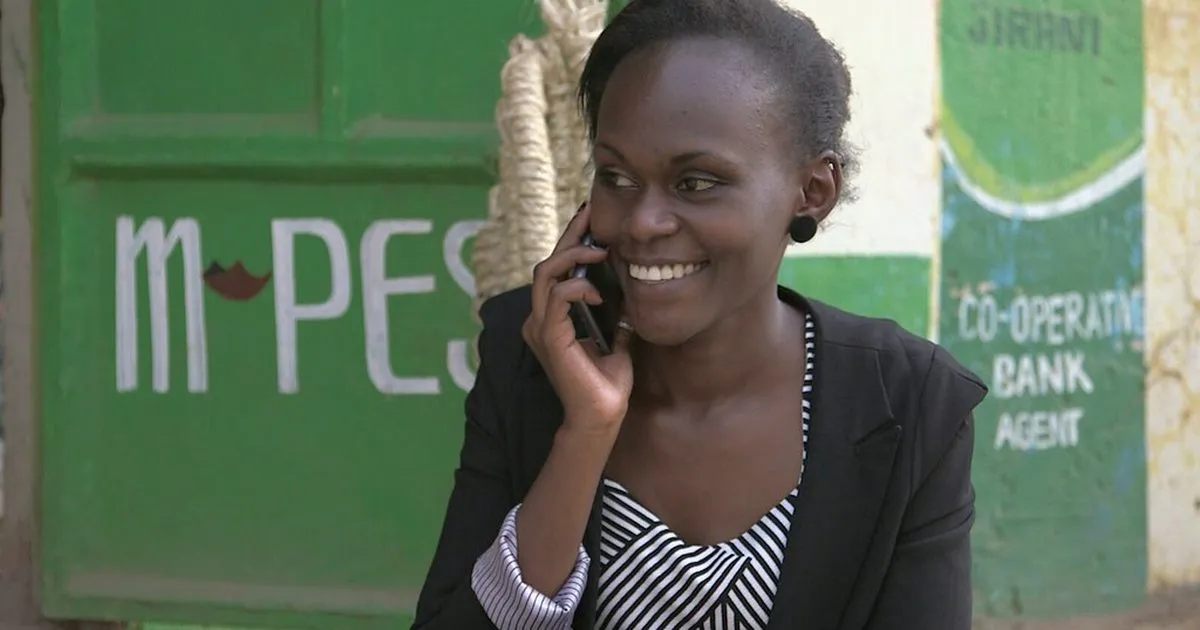
Cover photo: Jackline on the phone by wrcomms, BY-SA 2.0, via Openverse. Cropped.
Related Guides
Recent Posts
How to Sign a Document Online in Kenya (2026): Free E-Signature, PDF on Phone or Laptop, and Is It Legal?
How to Start a Parcel Pickup Point Business in Kenya (2026): Requirements, Earnings per Parcel and How to Apply
How to Pay With PayPal in Kenya (2026): Does PayPal Work, Linking a Card, M-Pesa Top-up and Paying Online
How to Accept Card Payments in Kenya (2026): Card Machines, Online Card Checkout and PayPal for Small Businesses
Purchase Order (LPO) Format in Kenya (2026): Sample, What to Include and How to Raise One
Delivery Note Format in Kenya (2026): Sample, Template, What to Include and Proof of Delivery
Credit Note vs Debit Note in Kenya (2026): Meaning, Examples, When to Issue Each and eTIMS
How to Get an M-Pesa Statement for Business and Reconcile It With Your Sales (2026 Guide)
Projector Price in Kenya (2026): Home, Office and School Projectors, Lumens, Screen Size and How to Connect
 buymoremall
Kenya's Online Marketplace
Buy More Mall Kenya gives you a direct link to manufacturers, suppliers and service providers. Sellers are verified, there are no shortcuts, and customised orders come at affordable rates.
- Buy direct from manufacturers & suppliers
- Verified sellers and service providers
- Pay securely with M-Pesa
Shop
Sell & Earn
Help
Contact Us
- 0717 263 774
- Chat on WhatsApp
- buymoremallkenya@gmail.com
- Eastern bypass Ruiru Near Naivas super market @ kamakis & Nanyuki Neema Academy
- Contact page